
Virtual Orator

What is Virtual Orator

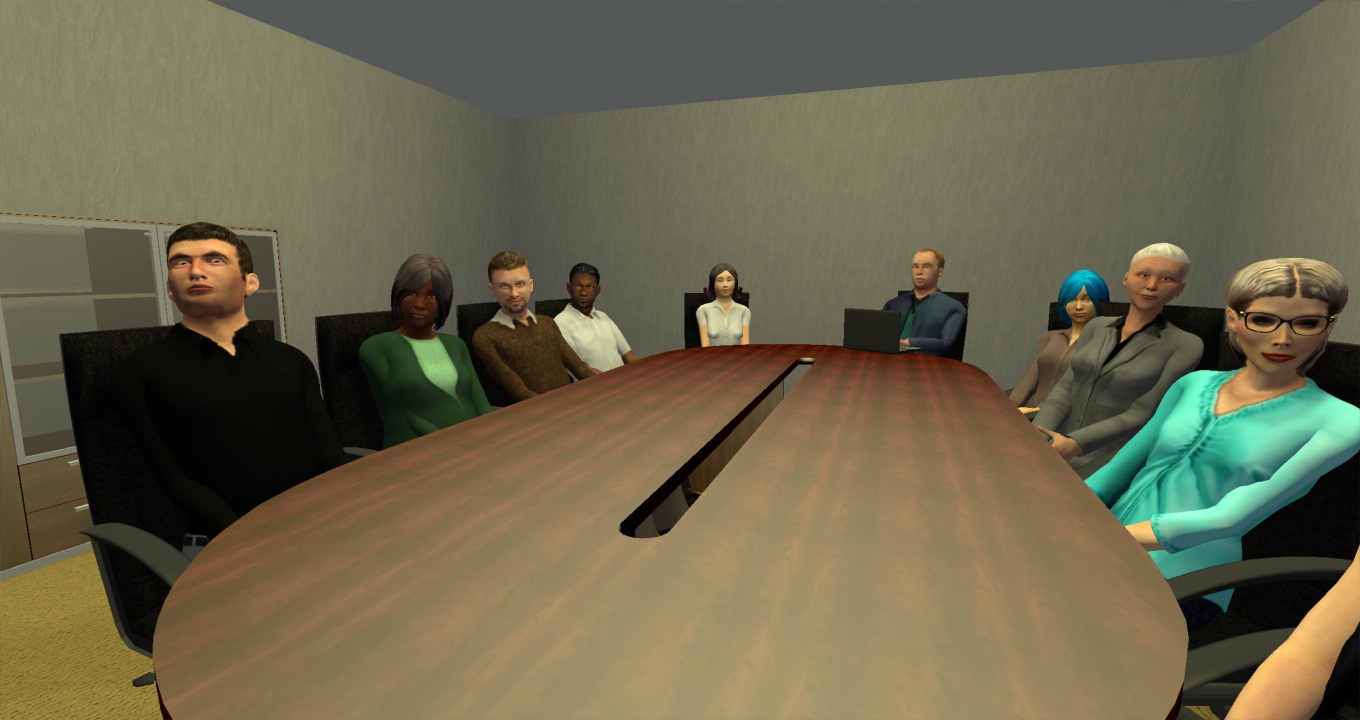
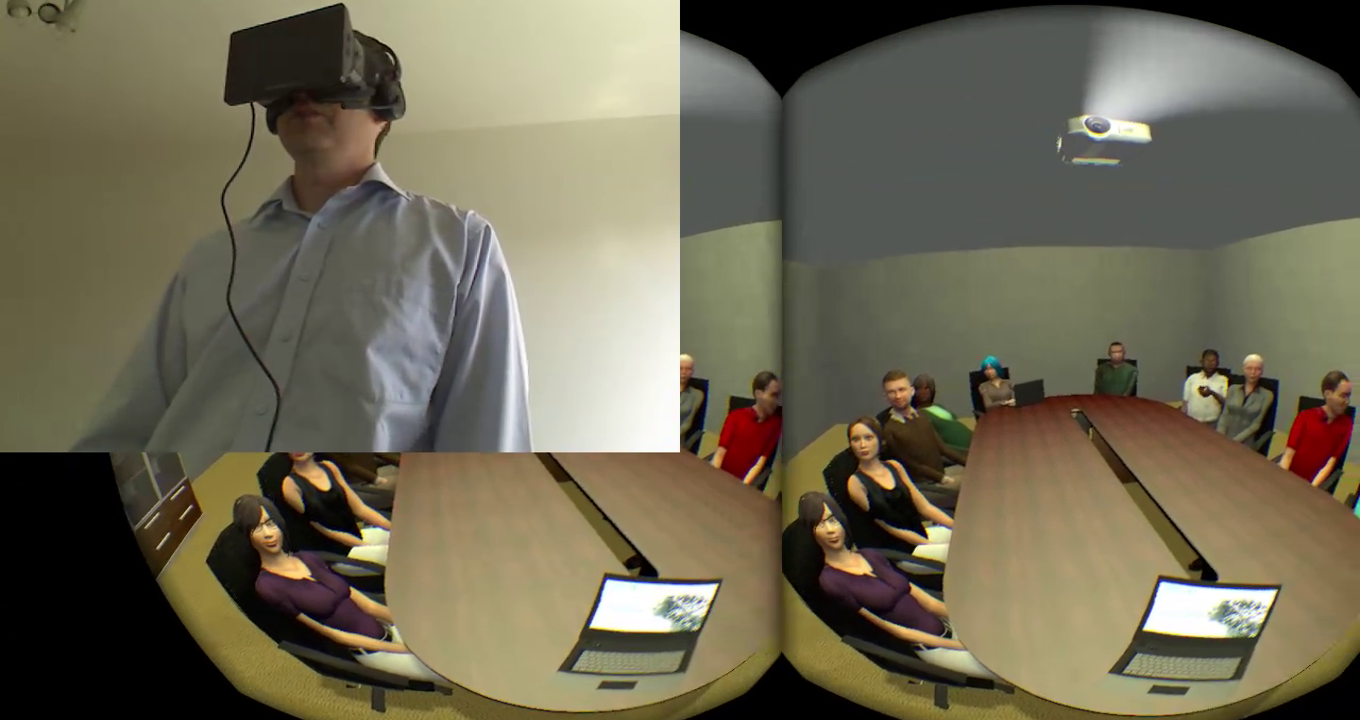
Virtual Orator is a revolutionary new technology for training public speaking skills. With Virtual Orator you can maximize the benefits of practice, by practicing in the situation for which you are training: speaking in front of people. Virtual Orator uses immersive virtual reality technologies to create a sensation of being in front of an audience, no matter where you are physically. No more forcing your family, friends, or coworkers to endure five rounds of practice presentations. Our virtual audiences will take their place.

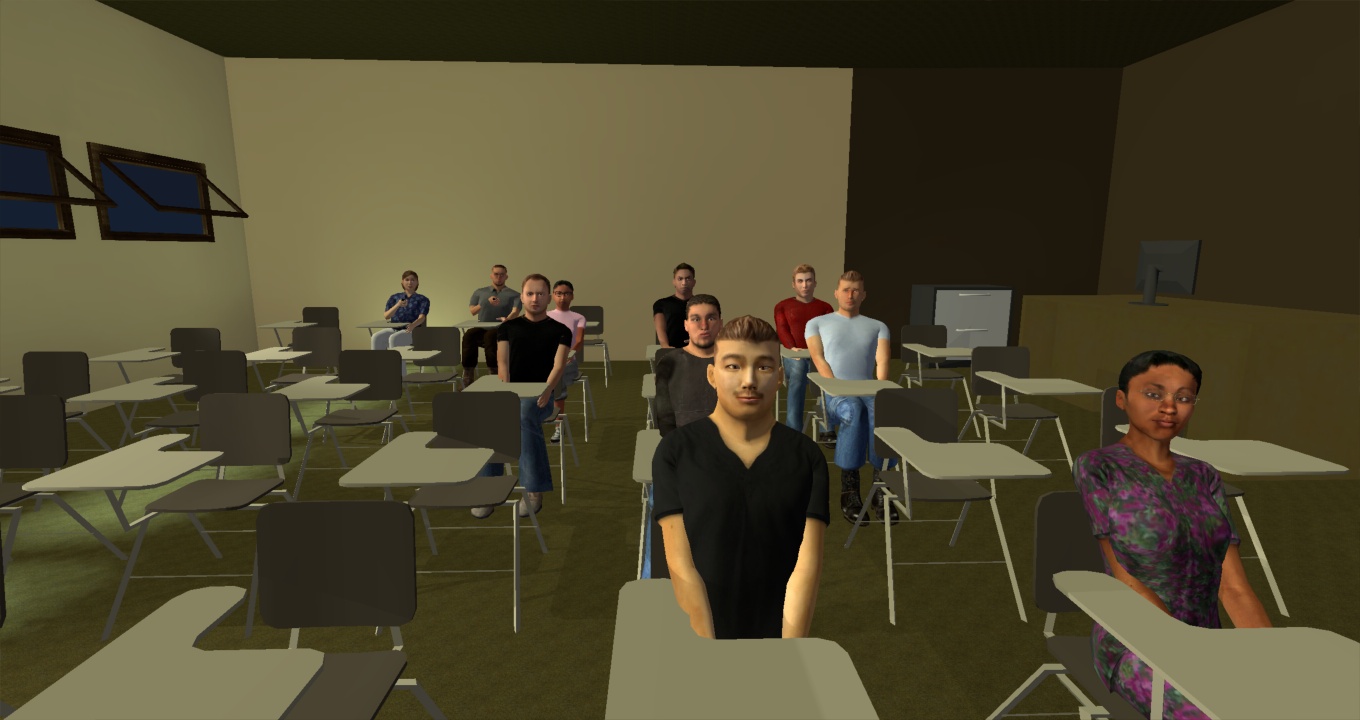
Virtual Orator allows you to practice in a variety of venues. Practicing in a space similar to where you will present will help make you more secure in front of people.

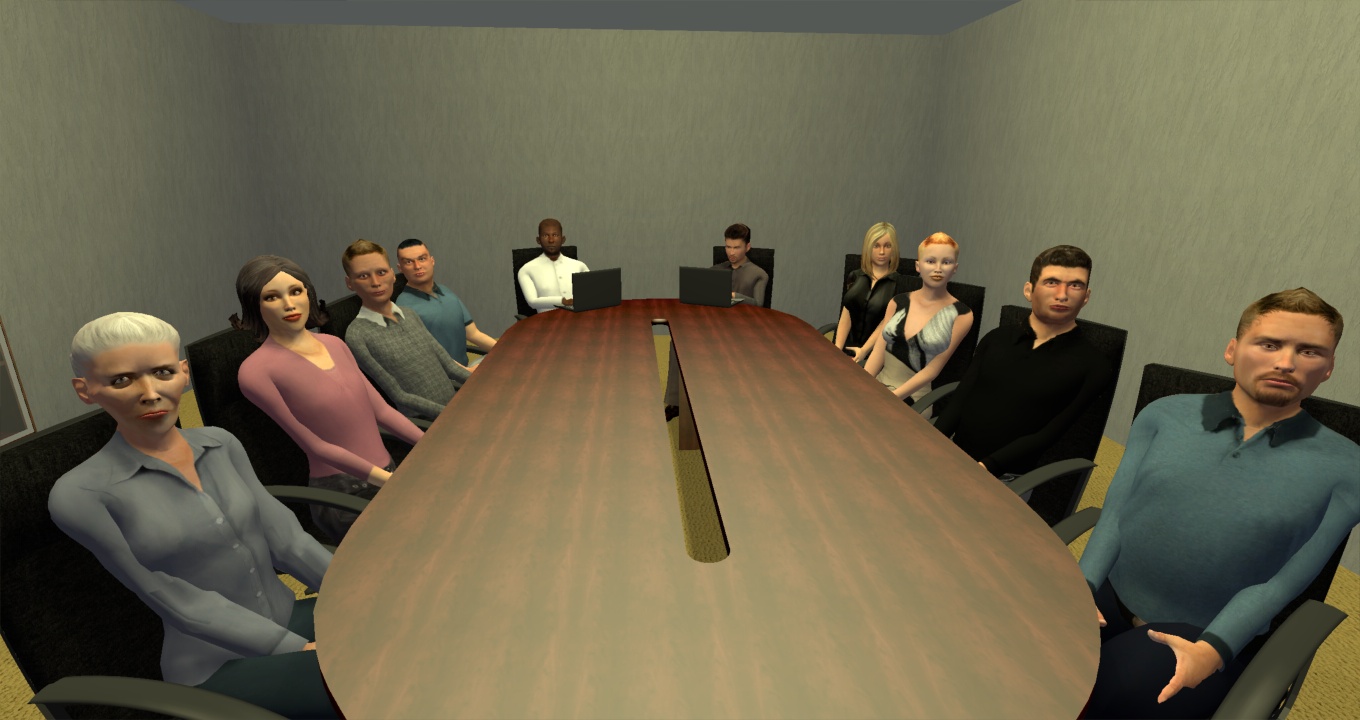
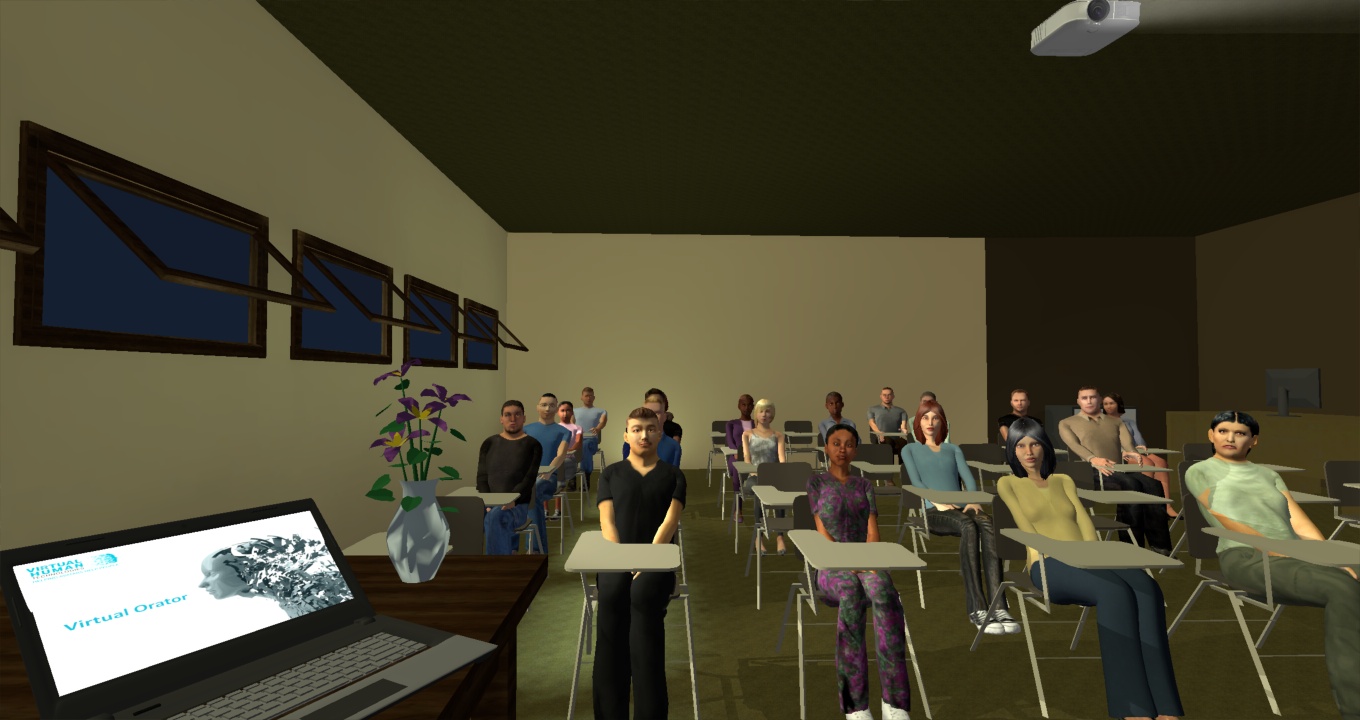
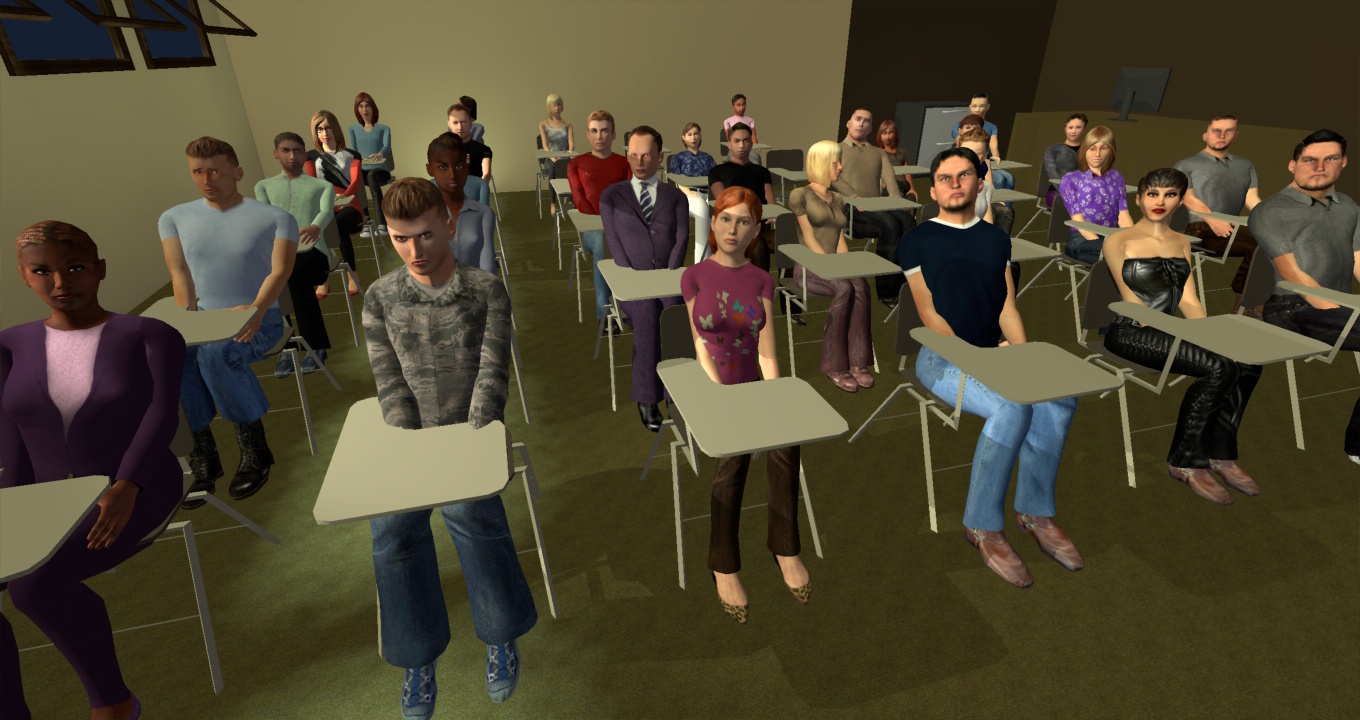
Every time you start Virtual Orator, we invite a randomized audience. You choose the size of the crowd and how they will behave. Our special technologies make our avatars behave as virtual humans. Choose to have a small, friendly crowd or challenge yourself with a distracting crowd and setting.

Use Cases

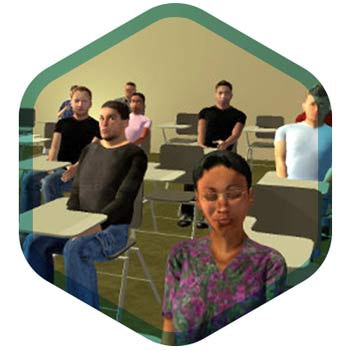
A virtual audience in a classrom is seen.

Overcoming Fear

A fear of public speaking is said to affect 70% of all people. Practicing speaking in front of people is universally viewed as the best way to overcome that fear. Virtual Orator provides a safe and realistic way to experience public speaking.
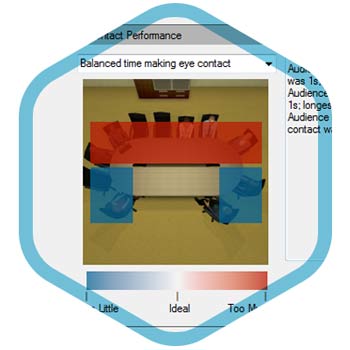
An image of the feedback on eye contact performance provided in the VIrtual Orator interface.

Training Skills

Public speaking is a skill. It can be trained. Virtual Orator provides a platform for training speaking skills at any time and provides mechanisms to support that training.
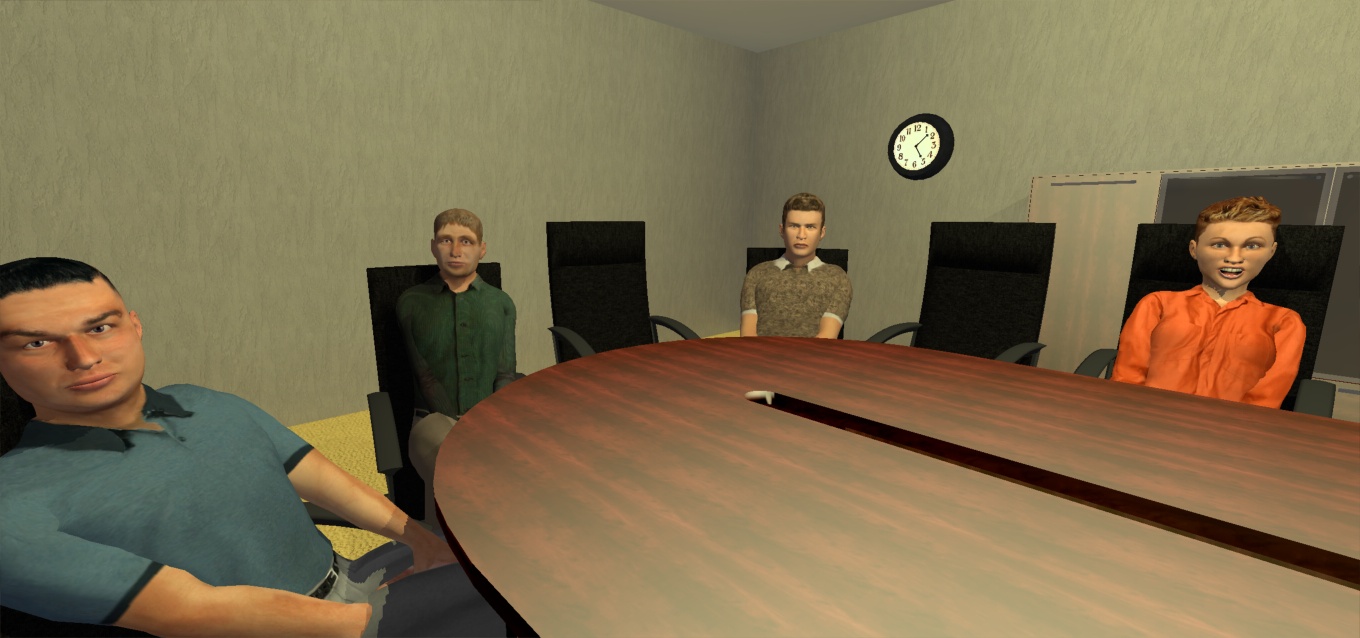
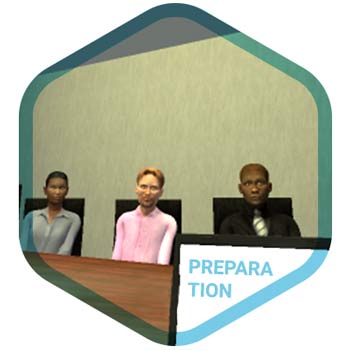
A laptop with a slide presentation is seen in the forground with a virtual audience seated at the table.

Preparing & Honing

Prepare for speaking in public. Even experienced speakers can hone their presentations by practicing. With a realistic audience and setting practice is more effective. Rehearse your slide presentations. Challenge yourself with a neutral or even a hostile audience in a distracting environment.

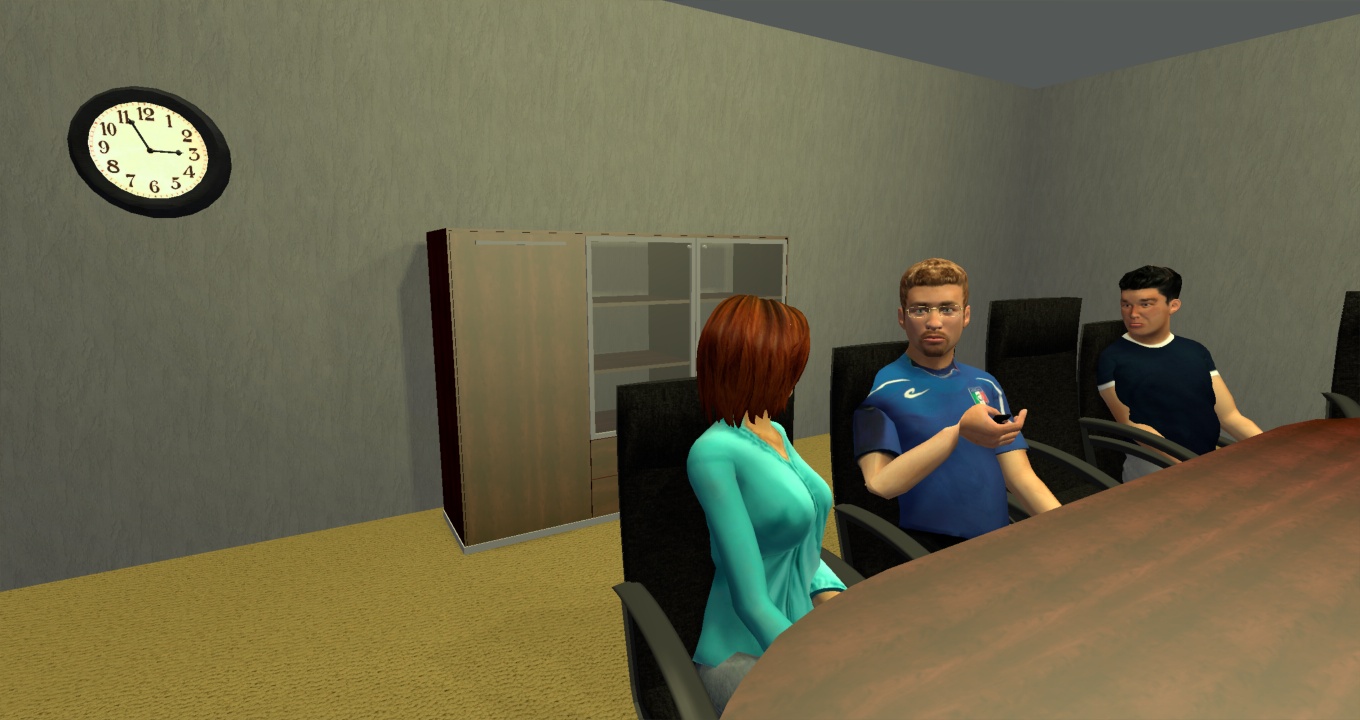
A virtual audience member asking a question as part of a testing setup using Virtual Orator.

Testing

Virtual Orator can be used to realistically test public speaking skills. As part of a training program, it provides a way to test progress. Virtual Orator can also be used to test the speaking skills of potential employees. For instance, sales reps can be tested in a realistic situation, with questions and interjections appropriate to your sales environment.

Features

Realistic Audiences

Realistic Audiences

Your presentation experience is real. Our technologies take avatars and make them into Virtual Humans. They behave realistically and fitting to the situation you specify. Select the kind of audiences: kind/unkind interested/uninterested, etc.

Slide Presentations

Slide Presentations

Practice your slide based presentation in Virtual Orator. Slides can be imported and will be projected in venues that support it.

Practice Often

Practice Often

You can practice as often as you need. Our audiences are always attend your talk, as if it was the first time. Audience members are randomly selected from a large pool to ensure every rehearsal is unique.

Audience Questions

Audience Questions

Trainers can record questions and interjections to be included in the virtual scenario. These can then be triggered at appropriate moments and will be spoken by a member of the virtual audience.

Choose a Venue

Choose a Venue

Practice in a venue that is similar to where you will be giving a speech. Challenge yourself in a larger venue with more people.

Record your practice

Record your practice

Virtual Orator includes an integrated ability to record the environment, a webcam, or both. Ideal for reviewing how you did.

Requirements

Virtual Orator requires the use of a Head Mounted Display (HMD).
Only by using such an immersive device, can we ensure that the presentation experience is realistic. Currently, the Oculus Rift DK2 is the only HMD capable of performing as required. As HMDs reach the market they will also be supported.

For PC requirements, the minimal requirements published by your HMD provider will run most Virtual Orator scenarios. Virtual Orator will run on older and less powerful equipment. This will result in lesser visual quality and in extreme cases may result in increased occurrences of ‘simulator sickness.’ For best results a high end ‘gaming computer’ should be used.

Coming Soon

Virtual Orator sales will start just before the launch of the first consumer HMD capable of running it. Virtual Orator will come in two versions a Personal Edition and an Enterprise Edition. See the comparison of the editions here.

Sign up to get a notification when Virtual Orator is available.

This is a website recovered by the free version of the Wayback Downloader.